Without Nirman Setu
- Notes trapped in chat, PDFs, or paper
- Plan updates days after the work happened
- Offline days never leave the cabin
- Nobody knows which spreadsheet is current
- Delay cost compounds before the Gantt moves
FIRST RUN
No setup cookie yet. Pick a role, project, and alerts, then enter the field loop.
Engineer, planner, or lead. Workspace follows your path.
Sample corridor or your own code. Data stays isolated.
Report → AI match → approve → sync.
Mining · Oil · Infrastructure
Site ki reality, plan ka reality - ab dono ek hi din.
Field reports sync to the live plan the same day - signal or no signal.
The idea in one glance
Report from site. AI matches to the live plan. A planner keeps the pen. Offline days still sync.
Without Nirman Setu
With Nirman Setu
Core loop: Report → AI Match → Approve → Sync
Platform matrix
One programme truth across field phone, offline cabin, and planner desk.
| Capability | Web | Field phone | Offline | Planner desk |
|---|---|---|---|---|
| Write site report | ✓ | ✓ | ✓ | ◐view |
| Local save / queue | ✓ | ✓ | ✓ | - |
| Photos with report | ✓ | ✓ | ◐queued | ✓ |
| AI match to plan | ✓ | ◐on sync | - | ✓ |
| Approve / reject / flag | ✓ | - | - | ✓ |
| Live schedule sync | ✓ | ◐status | - | ✓ |
| Confidence tiers | ✓ | ◐read | - | ✓ |
| Audit trail | ✓ | ◐read | - | ✓ |
Works in modern mobile browsers. Offline uses on-device storage until signal returns.
The gap
Site engineers write reports in the field. Planners update schedules days later. By the time a delay shows on the Gantt, cost has already compounded.
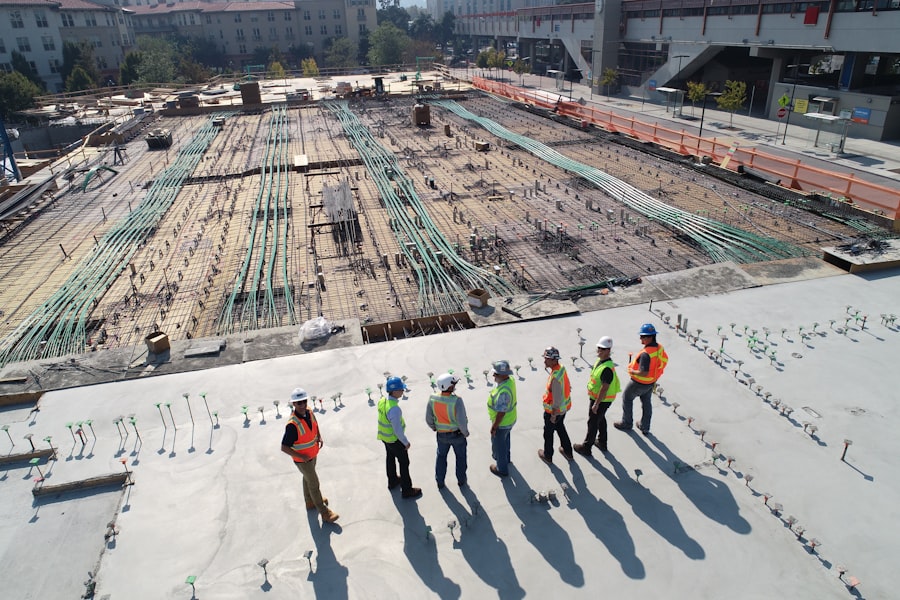
Daily reports sit in chat threads, PDFs, or paper pads. Photos lack task context. When connectivity fails, yesterday's progress never leaves the site cabin.

Someone retypes field notes into Primavera, MS Project, or Excel. Matching unstructured text to WBS codes is slow, error-prone, and always behind the site.

Delay alerts arrive after the window to recover. Stakeholders argue about which spreadsheet is current. The programme looks fine until it suddenly is not.
Scroll or tap a dot - each point takes the spotlight
The operating idea
Field reports leave the cabin. AI matches them to the live plan. A planner keeps the pen. Truth syncs when the signal comes back.
Scroll to walk the idea
Field modules
Mining, oil, and civil packs you already recognize on site. Open a module and start reporting.
 Drag to rotate
 Drag to rotate
 Drag to rotate
 Drag to rotate
 Drag to rotate
 Drag to rotate
 Drag to rotate
 Drag to rotate
Drag to rotate
Drag to rotate
Drag to rotate
Drag to rotate
Drag to rotate
Drag to rotate
Drag to rotate
Drag to rotate
Drag to rotate
Drag to rotate
Drag to rotate
Drag to rotate
Drag to rotate
Drag to rotate
Drag to rotate
Drag to rotate
Icons from Koboyo · card pattern inspired by AI Canvas 3D Product Card
AI proposes. Planners decide. The schedule stays truthful.

Write report with photos → Local save → Auto-sync when online → Confirm suggested task links
Open review queue → Sort by confidence → Approve, reject, or flag risk → Dashboard and schedule update
The loop
Sticky visual cards. Scroll to stack each chapter - AI proposes, planner keeps the pen.
Capture progress in plain language and photos from the site, online or offline.
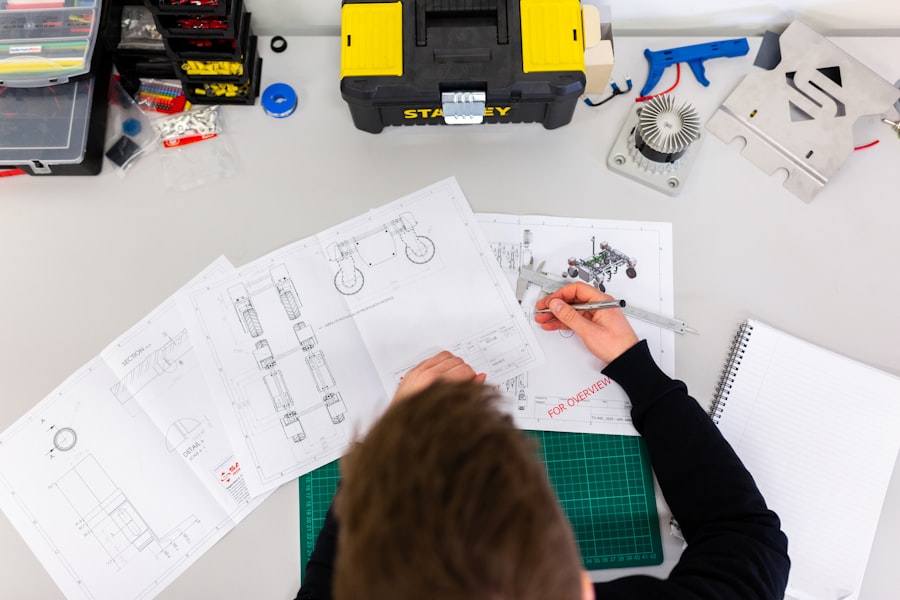
System links notes to plan tasks and scores confidence so review stays focused.
Planner accepts, rejects, or flags risk. Human authority stays on every change.

Approved progress hits the live dashboard and schedule with a full audit trail.
One operating layer for field, planning, and leadership. No new reporting ritual.
Keep writing the way you already write. Add photos when useful. Connectivity is optional.
Review a confidence-ranked queue instead of hunting through chat and email attachments.
See confirmed progress the day it happens, not after the weekly spreadsheet chase.
auto scrolls a few times · hover to pause
Remote corridors, tunnels, and low-signal zones are normal for infrastructure work. Reporting should not wait for a bar of reception.
Write reports with zero connectivity. They save locally and sync the moment the device finds a signal. No data loss. No "try again later." Drafts stay on the device until the upload confirms.
Works in remote sites, tunnels, and low-signal zones.
Four controls that keep AI helpful without handing it the pen. Scroll to stack each layer.

AI suggests matches and flags risks. A responsible human always approves or rejects. Nothing is auto-written into the schedule. The planner keeps final authority on every change that hits the live plan.

Every match carries a clear score: Confirmed, Review Needed, or Possible Risk. Low-confidence items never slip through quietly. They surface for review before they can distort progress reporting.

Who reported, who approved, when it synced. Full history stays attached to the task, so when questions come up weeks later, context is still on the record, not lost in chat threads.

Project data is isolated by organisation and project code. Site notes are never used to train models without explicit consent. Your programme remains your programme.
Six builders closing the gap between site reports and schedule truth. Swipe, tap a dot, or pick a name.

Mobile app
Continue an offline draft, confirm a task link, or check sync status from the site. Same project truth as the desk, in your pocket.
Supports iOS 15+ and Android 10 · Offline drafts included
Point your camera here
Ab plan aur zameen ki sachai ek saath chalti hai.
Start with one project. Site engineers keep writing the way they already do. Planners see reality the day it happens, with approval, confidence tiers, and an audit trail on every update.
Start My Free ProjectNo credit card - Under 3 minutes - Role-based access


